Webflow vs WordPress: Which Is Right for Your Business in 2026?
Webflow vs WordPress for startups and small businesses: design, editing, SEO, upkeep and lock-in compared, plus when we recommend each.
On this page
BYThe CodraRead 13 min
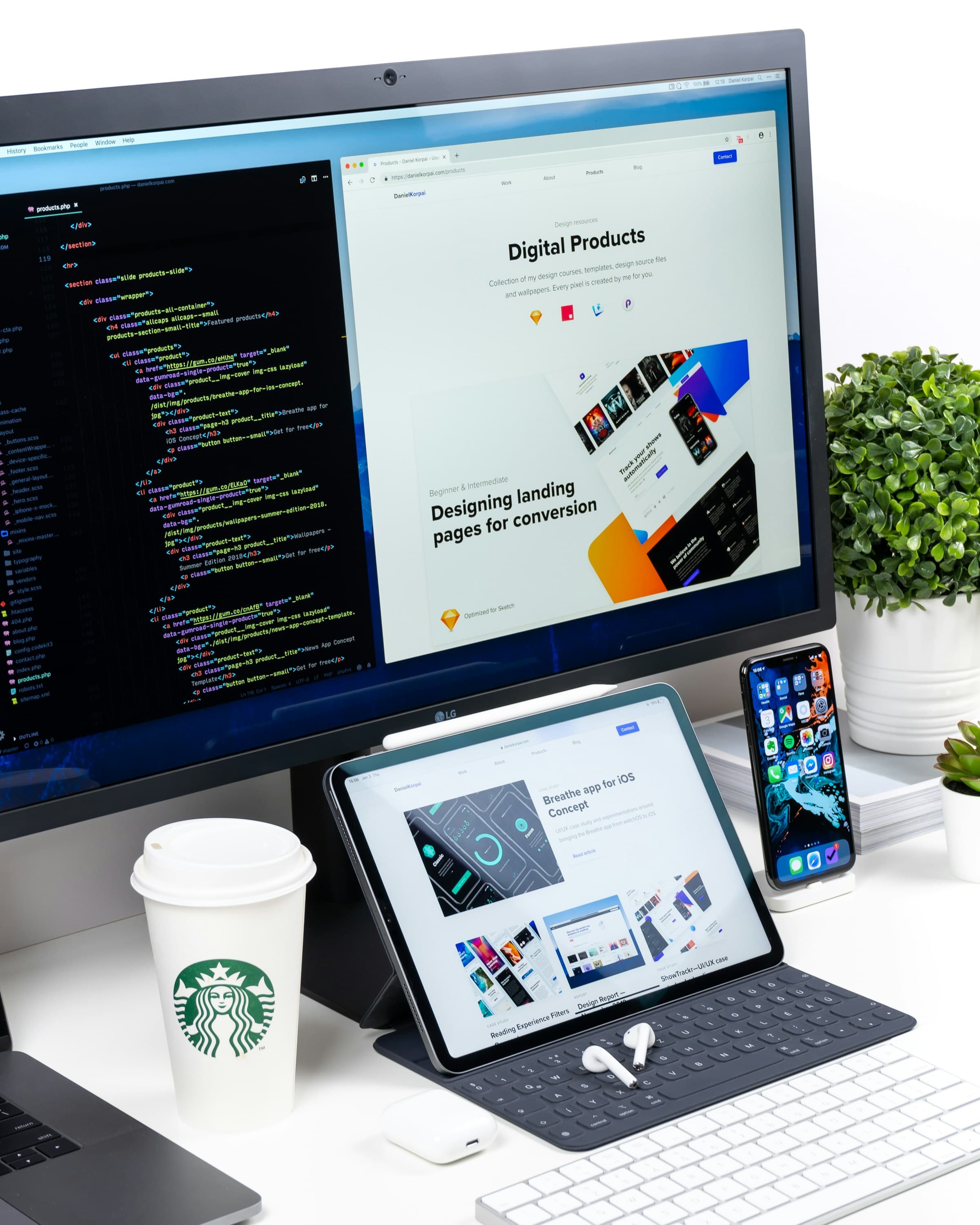
Webflow vs WordPress is the question most startups and small businesses hit when they plan a new website or a rebuild. Both can power a fast site that ranks. They differ in who runs it day to day, who maintains it, and how far you can take it. Here's a plain comparison from a studio that builds on both, with no platform to sell you.
Webflow vs WordPress at a glance
| Criteria | Webflow | WordPress |
|---|---|---|
| What it is | A hosted visual website builder with a built-in CMS | Open-source CMS software you install on hosting you choose |
| Hosting and updates | Included and handled by Webflow | Your host and your team (or your developer) handle them |
| Who edits | Content editors with a seat in your Webflow Workspace | Any user you add in the WordPress dashboard, by role |
| Design | Visual canvas with fine control over layout and interactions | Themes, the block editor, page builders or a custom-coded theme |
| Extending it | Webflow Apps, integrations, APIs and custom code | Plugins, custom code and a large developer ecosystem |
| Ecommerce | Webflow Ecommerce, suited to smaller catalogs | WooCommerce, or connect Shopify |
| SEO controls | Built in: meta tags, sitemap, redirects, schema field | Core basics plus an SEO plugin |
| Ownership and export | Static code export only; CMS content exports separately | You own the files and the database outright |
Platform features in this table change over time.
What Webflow and WordPress actually are
Webflow
Webflow is a hosted, visual website builder. You design on a canvas that works like a design tool, and Webflow writes the HTML and CSS as you go. It includes a CMS for blog posts and other repeatable content, plus hosting, so there's no server to set up and no software to update. You pay Webflow a subscription, and Webflow runs the platform.
WordPress
WordPress is open-source content management software. When people compare it with Webflow, they usually mean self-hosted WordPress from WordPress.org: free software you install on hosting you pick and control. WordPress.com is a separate hosted service that runs the same software, with features that depend on the plan. In this post, "WordPress" means the self-hosted version unless we say otherwise.
Design and flexibility
Webflow is built for people who think visually. The Designer exposes the real building blocks of a page, such as layout, spacing, classes and breakpoints, and lets you build interactions without writing JavaScript. A designer who knows how websites work can match a Figma file closely without a developer. Where Webflow stops, you can add custom code embeds.
The limit is Webflow's feature set. Complex logic or unusual data means custom code or outside services, and at some point you're working around the platform.
WordPress gets its design from a theme: an off-the-shelf theme, a page builder, the block editor with block themes, or a theme coded to your design. Because you own the code, flexibility is close to unlimited. The catch is that quality depends entirely on the build. A heavy multipurpose theme with a page builder stacked on top can be slow and fiddly. A lean custom theme with custom blocks is clean and easy to edit.
In short: Webflow gives designers more control with less code. WordPress gives developers more room, and the result is only as good as the build.

Ease of editing for your team
This question decides most projects: who will update the site every week?
In Webflow, editors work inside Webflow itself, using a content editor role that lets them change text, images and CMS items on the page without touching the design. Webflow has retired its old standalone Editor, so everyone who edits needs a seat on your Webflow Workspace. Plan seats in from the start: depending on your Workspace plan, editors use paid limited seats or included client seats.
In WordPress, editors use the dashboard and the block editor. Many people already know it, and WordPress has built-in user roles, such as Administrator, Editor and Author, so you can control who can publish what. The risk is that editors can break layouts if the site isn't set up carefully. A good build locks what shouldn't move and gives editors custom blocks for what should.
In short: both are editable by non-developers when they're built well. Webflow is tidier for small teams that care about design. WordPress scales better to many writers and a heavy publishing schedule.
Webflow vs WordPress for SEO
Is Webflow better than WordPress for SEO? Not on its own. Google ranks pages, not platforms, and both can produce pages that rank. What moves rankings is content, structure, internal links, speed, and how carefully you handle URL changes.
The difference is in how you get the controls.
- Webflow has SEO settings built in: page titles, meta descriptions, Open Graph tags, an auto-generated sitemap, 301 redirects in site settings, and a schema markup field on each page, with an option to generate schema using Webflow AI. There's less to install and less to break.
- WordPress covers the basics in core, and most sites add an SEO plugin such as Yoast SEO or Rank Math for meta tags, sitemaps, schema and redirects. More options, and more settings to configure properly.
For bigger sites, two things matter. Webflow's CMS has plan-based item limits, so check them before planning a very large library. WordPress handles large archives, categories and custom content types well.
SEO usually goes wrong in a migration with no redirect map, where old URLs disappear and rankings go with them. If you're switching, plan the URLs first. For ongoing search work, our SEO services cover that part.
Speed and performance
Speed comes from how a site is built and hosted, not from the logo on the platform.
Webflow hosts every site on its own infrastructure with a global content delivery network, and it handles responsive images for you. That gives you a solid baseline without any server work. A Webflow site still slows down under heavy interactions, background videos, oversized images or piles of third-party scripts.
WordPress speed depends on your hosting, your theme, your plugins and your caching. A lean theme on good hosting with caching can be very fast. The same site on cheap hosting with a stack of plugins can be slow.
On either platform, the fixes are usually the same: images, scripts and fonts handled at the source, fewer third-party tags, and a hosting setup that fits the traffic. If your current site is slow, speed optimization is often a better first step than a full platform switch.
Security and maintenance
Is Webflow more secure than WordPress? Webflow gives you less to look after. It manages the hosting, the servers, SSL and platform updates, and there are no plugins for you to patch. Your side of the job is managing who has access and what third-party scripts you add. The trade-off is that you depend on Webflow's platform, its decisions and its uptime.
With WordPress, security is your job, or your developer's or host's: updating core, the theme and every plugin, keeping backups, and removing unused plugins. Most WordPress security problems come from outdated or poorly maintained plugins and themes, not from WordPress core itself. Managed WordPress hosting takes some of that work off your plate.
In short: Webflow is lower-maintenance by design. A well-maintained WordPress site is secure too. A neglected one isn't, so if nobody will own updates, factor that in.
Integrations, ecommerce and growth
WordPress has one of the largest plugin ecosystems on the web. Forms, memberships, courses, bookings, multilingual content: there's usually a plugin, or a developer can build one. WordPress also has a REST API built in, so it can connect to almost anything. For selling, WooCommerce turns WordPress into a full store.
Webflow extends through Webflow Apps from its marketplace, native integrations, its APIs and custom code. Webflow Ecommerce works for smaller catalogs and gives you full design control over the cart and checkout, with item limits that depend on the plan. Webflow Localize handles multilingual sites, but it doesn't currently translate Ecommerce products, categories or pages.
If selling online is the main job of the site, with lots of products, inventory, shipping rules and payment options, neither may be the best answer. That's usually a job for Shopify, and we cover it under Shopify store development. We compare the two in Shopify vs WooCommerce.
Ownership and lock-in
With WordPress, you own everything. The software is open source, the files and database are yours, and you can change host or developer anytime.
With Webflow, your content and design are yours, but the site runs on Webflow. Code export, which is available on paid Workspace plans but not Site plans, gives you static HTML, CSS, JavaScript and images. It doesn't include CMS content, Ecommerce, user accounts, form processing, site search or localized pages. You can export each CMS Collection as a CSV file, but image links in that file point back to files hosted by Webflow. In practice, leaving Webflow means rebuilding the dynamic parts of the site somewhere else.
That's not a reason to avoid Webflow. Many businesses never leave. It's a reason to decide with your eyes open.
Cost: what to weigh (without the price list)
We won't quote plan prices here. They change often, and a pricing page rarely tells you what a site costs to run. Check each platform's current plan pages, then weigh these categories over a few years:
- Platform fees. Webflow charges for site plans, and for Workspace seats for the people who build and edit. Ecommerce and localization are separate plans or add-ons. WordPress software is free.
- Hosting and domain. Hosting is included with Webflow. With WordPress you choose and pay for hosting separately, and quality varies a lot.
- Plugins, apps and themes. Premium WordPress plugins and themes often renew every year. Some Webflow Apps carry their own subscriptions.
- The build. Design and development depend on scope, meaning pages, features and integrations, more than on the platform.
- Upkeep. Someone has to run updates, fix what breaks and add new pages. That's either time from your team or a maintenance plan.
The right comparison is the total cost of running the site the way your team actually works, not the monthly fee.
When to choose Webflow or WordPress
Choose Webflow if…
- Your site is mostly marketing pages, landing pages and a blog.
- Your marketing or design team wants to build and change pages without a developer.
- Design and interactions matter, and you want them to match the mockups.
- You'd rather not deal with hosting, plugins or security updates.
Choose WordPress if…
- You publish often, or plan a large content library with categories and custom content types.
- You need plugins for memberships, bookings, courses, multilingual content or WooCommerce.
- You want to own the code and choose your own hosting.
- You have a developer or a maintenance plan to keep it updated.
Our WordPress website development service covers the second list.
When neither is the right fit
Some sites outgrow both. If your site needs a fully custom front end, pulls from your own data or APIs, or has to perform at a level a page builder can't, a custom Next.js build may be the better fit. And if the site is mainly a store, look at Shopify first.
When THE CODRA recommends Webflow or WordPress
We recommend a platform in your quote, not the one we like most. Our web development services cover custom builds and CMS sites, so we don't need you on any one platform. These are the questions we ask first:
- Who will edit the site, and how often? A small marketing team that ships landing pages points to Webflow. Many writers and a busy publishing schedule point to WordPress.
- How much content, and how structured? A large library with categories, tags and custom content types usually leans WordPress.
- What does the site need to connect to? Bookings, memberships, CRMs and complex forms are easier when a plugin or custom code is an option.
- How ambitious is the design? Heavy custom layouts and interactions favor Webflow, or a custom build.
- How much do you care about owning the code? If it matters a lot, WordPress or a custom build wins.
- Are you mainly selling? Then we'll usually talk about Shopify instead.
If the answers point both ways, we'll explain the trade-off and let you choose.